Digital signature · Cryptography · SEO
FirmaOKPDF digital-signature suite that runs fully offline
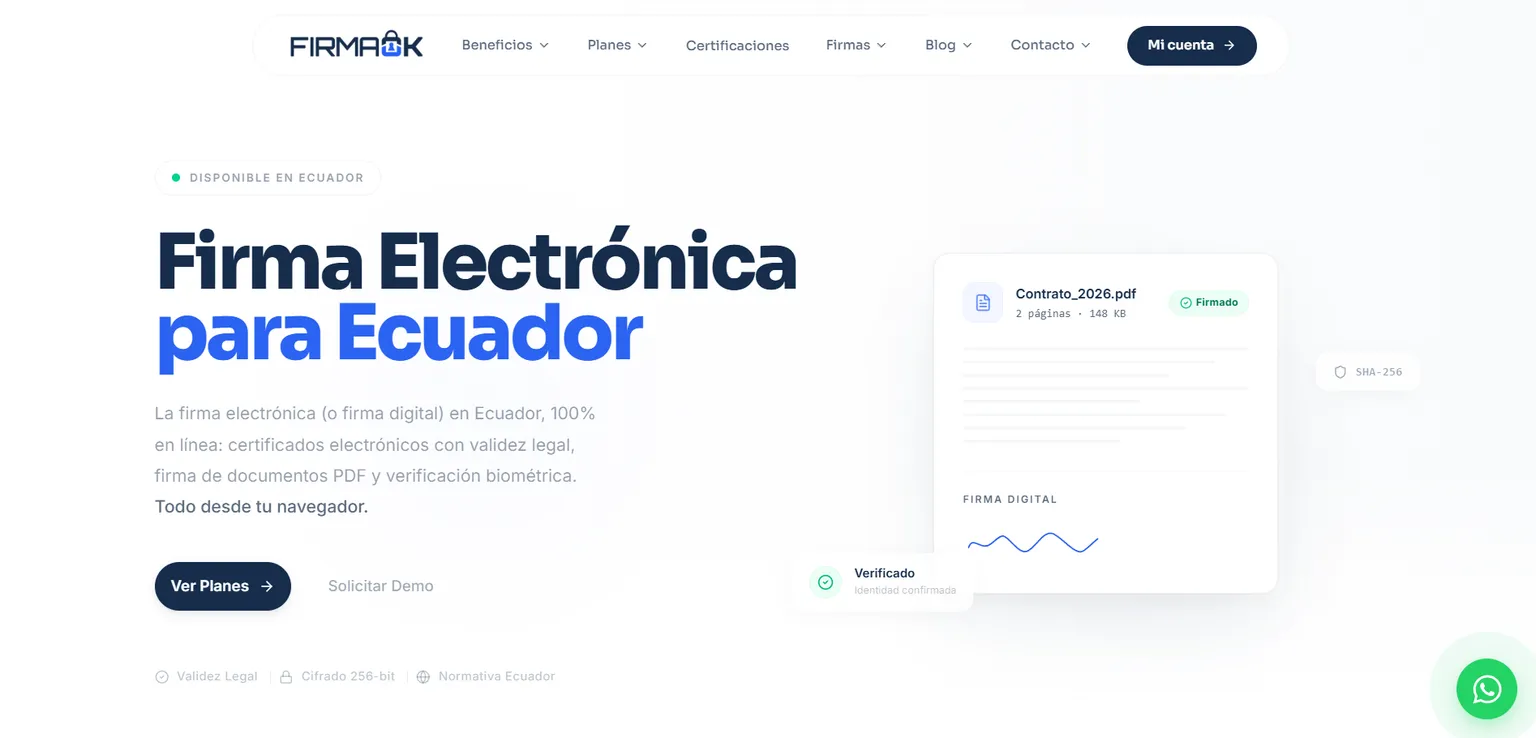
PDF digital-signature suite (PAdES-B): sign and validate with .p12 certificates without the file ever leaving the device. Beyond the product, I worked on the site: blog, page architecture, Schema.org structured data and measurement of the funnel down to the download.
Technologies
- React Native
- Expo
- WebCrypto
- PAdES-B
- Astro
- TypeScript
- Schema.org
- JSON-LD
- Google Analytics 4
- Search Console
- Technical SEO
- UX/UI
48
blog articles
88
URLs in the sitemap
16
profession pages
6
procedure pages
My role
Web & applications developer at Azirgo SAS. I worked on the mobile app, the browser build and the cryptographic signing layer, and I ran the site: blog, page analysis, Schema.org structure, UX/UI and measurement with Google Analytics and Search Console.
The problem
Signing a PDF with a digital certificate usually means uploading both the document and the certificate to somebody else's server, and for sensitive documents that is exactly the wrong trade. But that advantage does not sell itself: whoever needs to sign searches for “how to sign a PDF with a certificate” or “is an electronic signature legally valid”, not for an app name. With no content answering those searches and no measurement, there was no way to know which path ended in a download.
What I built
- A site with pages by certificate type, by profession and by procedure, plus the free signer, with UX/UI aimed at reaching the purchase or the signature in as few steps as possible.
- A blog on electronic signatures, .p12 certificates, document validation and the legal validity of what gets signed.
- Page-by-page analysis: which queries each page attracts, where it ranks and whether it should be expanded, rewritten or merged.
- Schema.org structured data by page type (Product with AggregateOffer, WebApplication, HowTo, FAQPage, BlogPosting, BreadcrumbList) so search engines understand what is on sale, what the signer does and what it is for.
- Google Analytics 4 events for the path to the download, plus click, impression and position tracking in Search Console.
- PDF signing and validation using the PAdES-B standard, with the user's own .p12 certificates.
- Fully offline execution: the document and the certificate never leave the device.
- A mobile app for iOS and Android, plus a build that runs in the browser.
The blog and content
The blog answers the questions that come before buying or signing: 48 articles across four categories, written in MDX on a collection with a validated schema, with its own search and an RSS feed. Topics are organised into pillar guides and satellite articles that link to them.
- Categories: Guides (20), Uses (14), Support (10) and Legal (4), plus a closed taxonomy of nine tags that separates content type (tutorials, comparisons, support, legal, pricing) from audience (entrepreneurs, accountants, companies, public sector).
- Topics: how to get, renew and revoke a signature, the .p12 file versus the token, FirmaEC step by step, legal validity (LCE and LOPDP), procedures at the SRI, SERCOP, Quipux and SUPERCIAS, and guides for Ecuadorians living abroad.
- 29 articles are satellites: they open with a note saying which pillar guide they belong to and link to it.
- Article template: breadcrumbs, date, reading time and author, an “In this article” table of contents, an FAQ accordion, an editorial-team card, tags and related posts.
- JSON-LD: BlogPosting and BreadcrumbList on all 48 articles, FAQPage on 45 and HowTo with its steps on 8. The FAQ section is turned into an accordion and into FAQPage at build time, without touching the .mdx files.
- Conversion and measurement injected at build time: a buy banner in the middle of every article, a WhatsApp card, a contextual modal after 10 seconds and a GA4 event on every WhatsApp link written into the text.
Pages by profession and by procedure
Outside the blog, the site has 35 URLs organised by purchase intent. The core is a parent page on signatures for invoicing that links to 16 profession pages, each of which links back to the parent.
- 16 profession pages under /firma-electronica-para-facturar: lawyers, accountants, doctors, architects, civil engineers, government suppliers, public servants, customs agents, teachers, freelancers, remote workers, vets, court experts, environmental consultants, artisans and companies.
- 6 procedure pages under /firma-electronica: SRI, SERCOP, IESS, Quipux, contracts and notaries.
- An anti-cannibalisation rule: generic content lives in the blog's pillar guide and each profession page covers only its own blocker, institution and vocabulary, with a self-referencing canonical.
- 27 commercial pages (certificate types, professions and procedures) marked up as Product with AggregateOffer, plus FAQPage and BreadcrumbList.
- The free signer and the guides to signing and validating a document, marked up as WebApplication with HowTo.
- A plans page with three certificate types (individual, individual with RUC and legal entity) and prices by validity period.
Inside the site
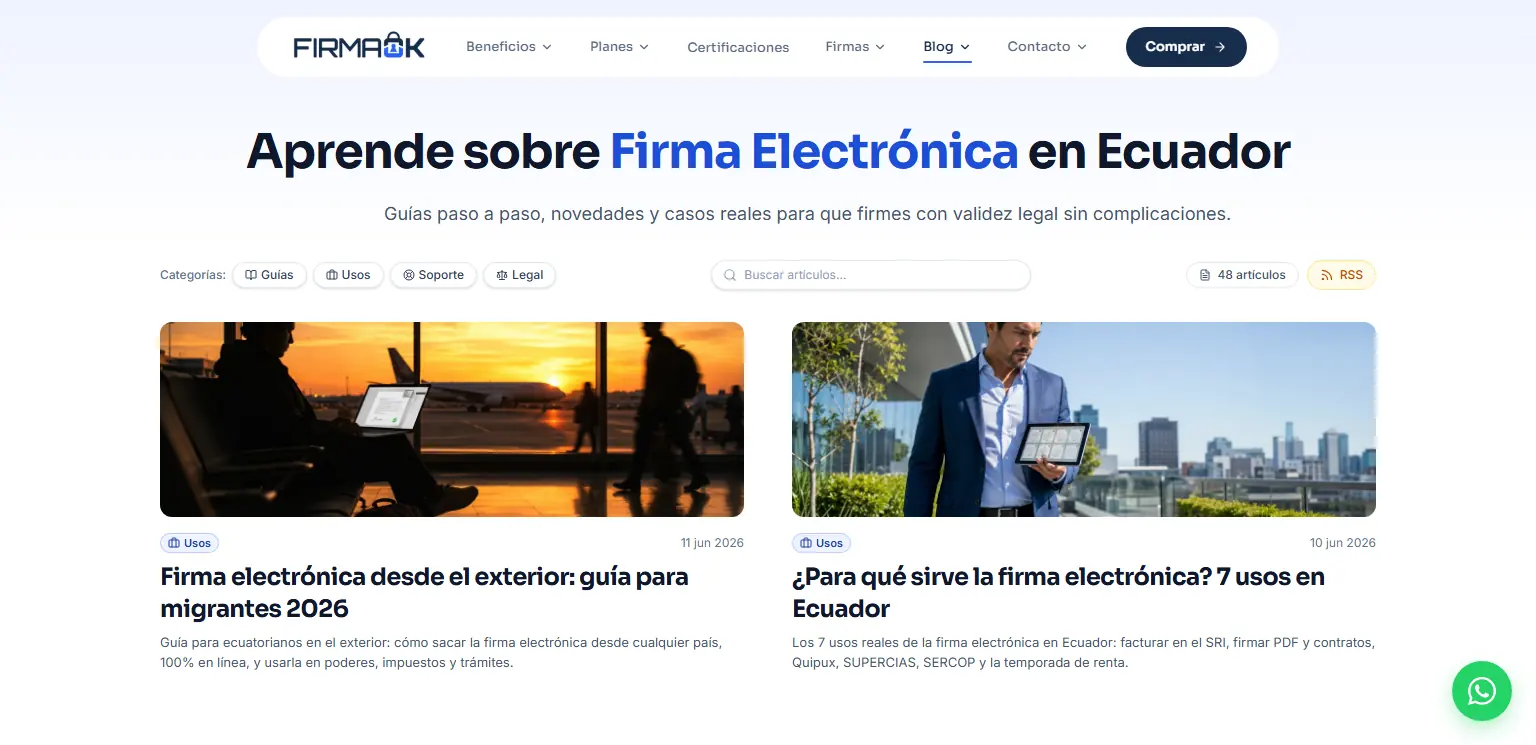
Blog index: 48 articles in four categories, with search. 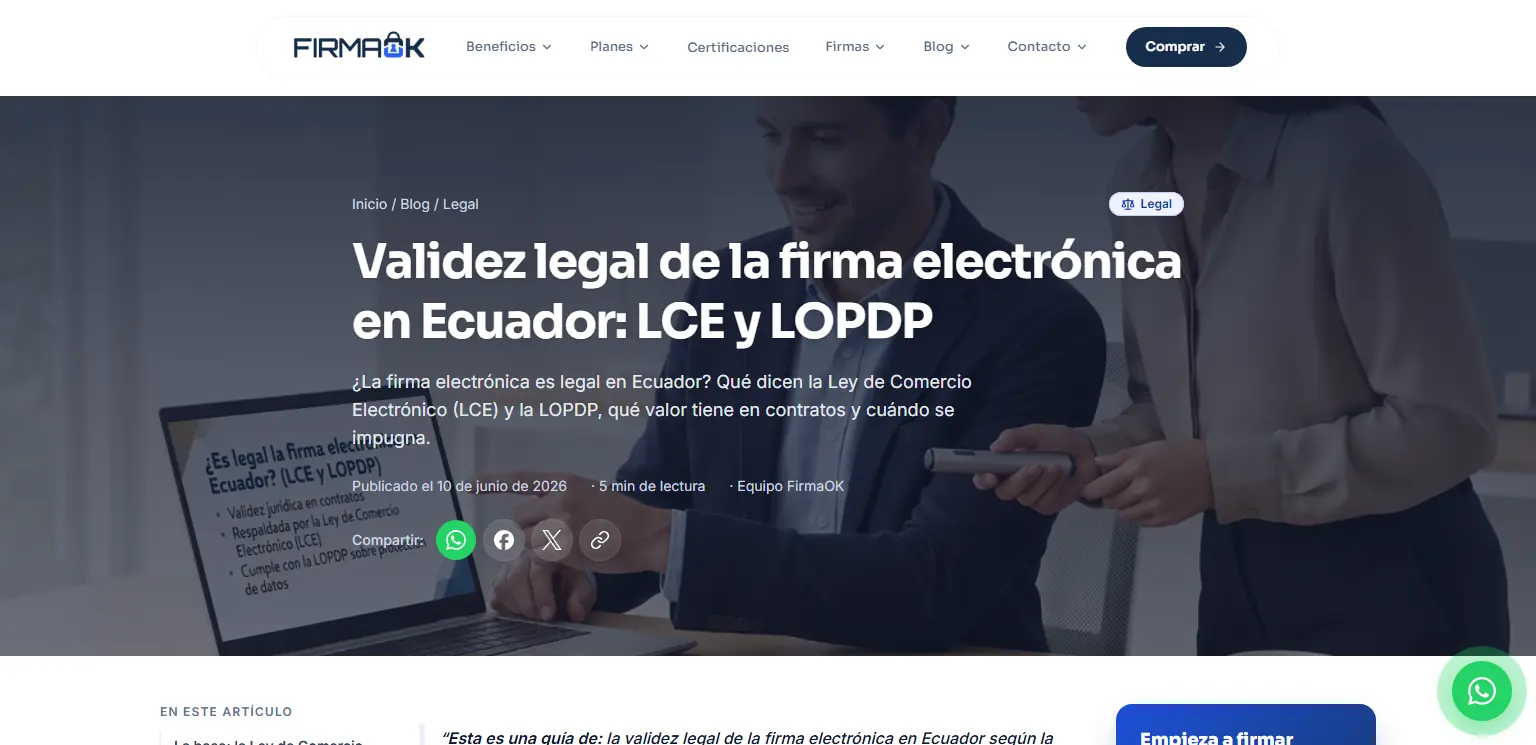
Legal-category article on the validity of signatures under the LCE and the LOPDP. 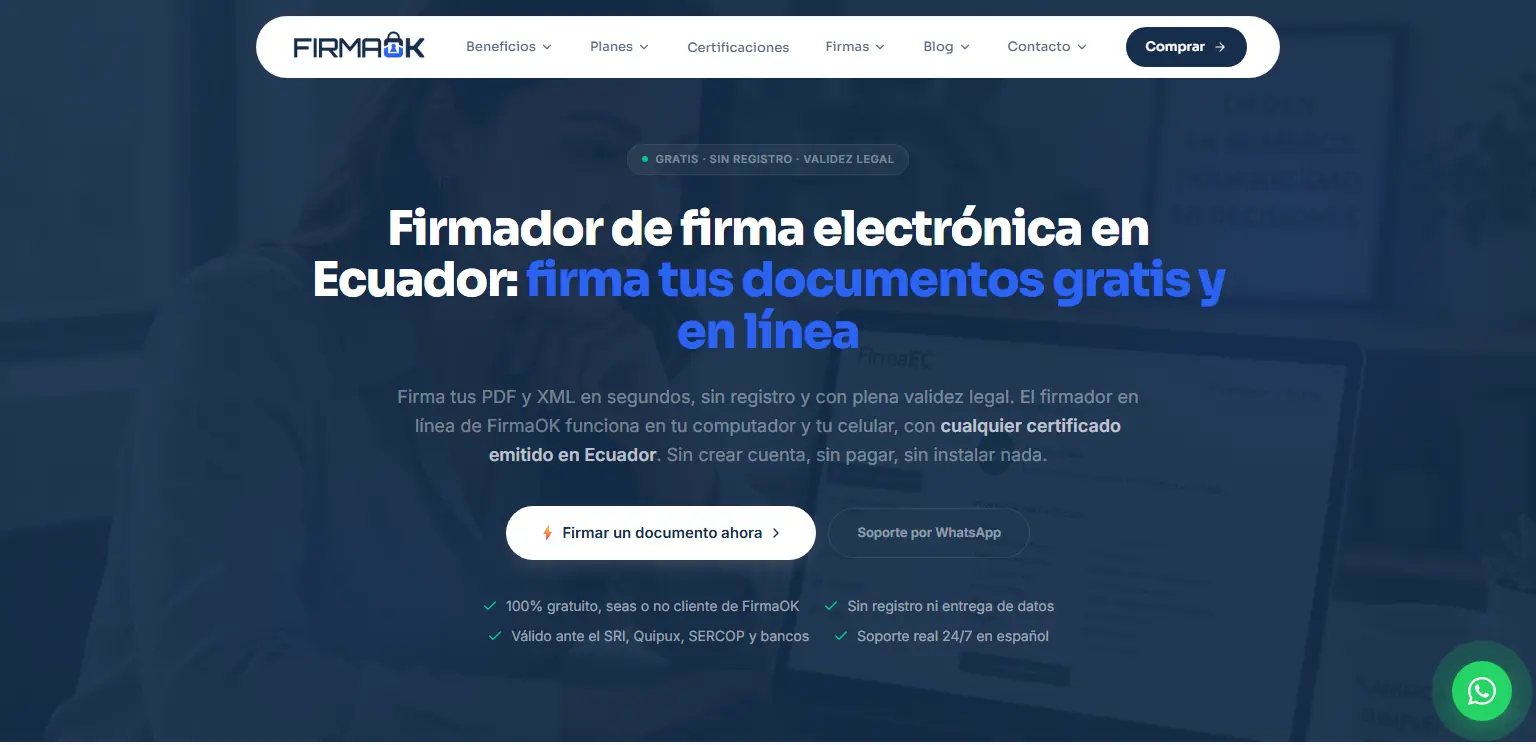
Free PDF and XML signer, with no sign-up and any .p12 certificate issued in Ecuador. 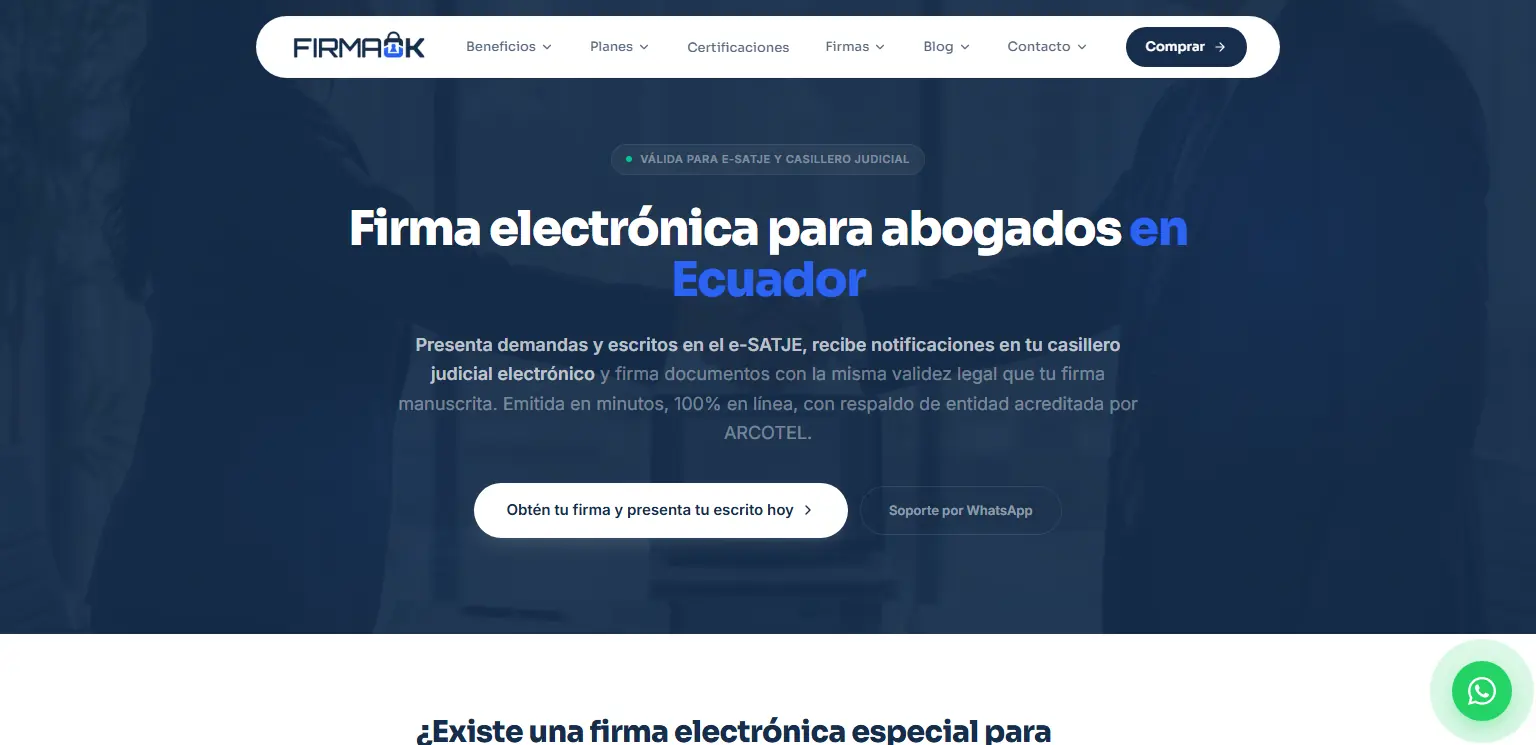
Page for lawyers, one of the 16 profession pages.
Technical decisions
- Mark each page up with the schema type it actually is instead of leaving it without structured data: Product with AggregateOffer where a certificate is sold, WebApplication and HowTo on the signer and on the signing and validation guides.
- Content answers the question that comes before the download (is this signature valid? what is a .p12?), because that question is what stalls the decision.
- Test more than one path to the download - site first, app first, comparison - instead of assuming which one converts.
- All cryptography runs on the client: with no signing backend there is no server where private keys or documents could be exposed.
- WebCrypto as the base for browser signing rather than an unaudited in-house library.
- One React Native + Expo codebase for iOS and Android instead of two separate native apps.
Challenges
- Explaining a technical advantage - nothing leaves the device - in terms that matter to someone who just wants to sign a document today.
- Competing for searches dominated by certificate authorities and official paperwork pages.
- Tracking a funnel that ends off-site, in the app stores, without losing sight of where the visit came from.
- Implementing PAdES-B correctly: a signature that does not validate is a useless signature, there is no middle ground.
Result
FirmaOK is in production as one of the published mobile apps, signing works with no connection, and the site carries acquisition: blog and pages marked up with Schema.org, the path to the download measured in GA4 and per-query performance reviewed in Search Console.